
 info@smartlinkhrc.com
 +971 50 3163034
Manage all homepage sections, including banners, featured content, services,, and other homepage elements from the admin panel
Login
https://smartlinkhrc.com/wp-admin

From Dashboard Click “Pages” From the left sidebar
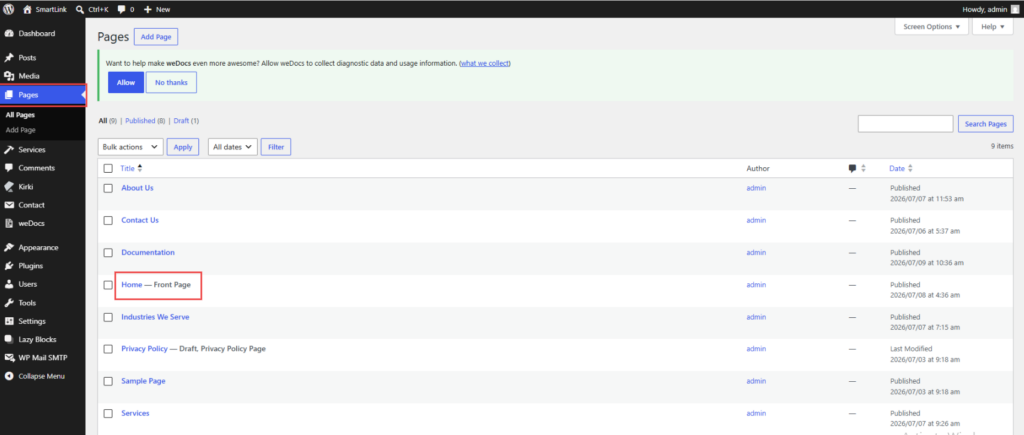
Click to “Edit”

Able to view Home page Content editing Section
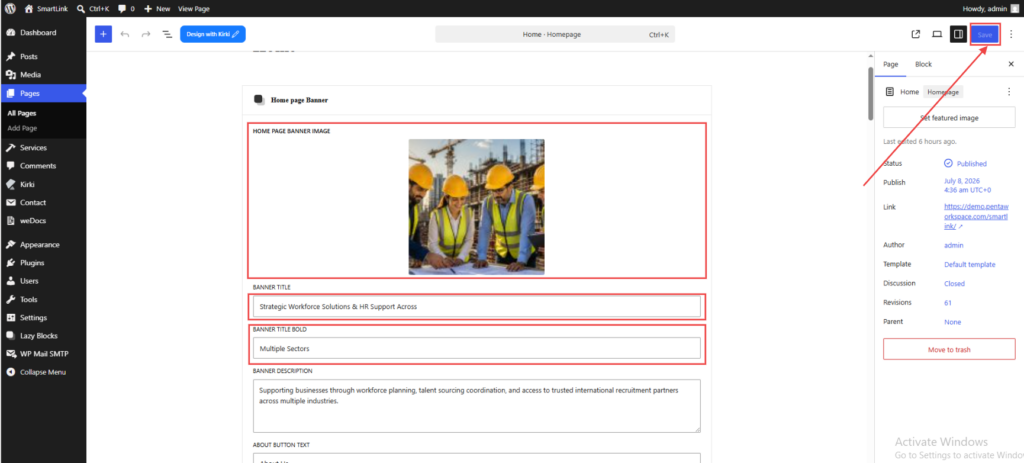
Change/Edit/add all the Contents/images from here and Click to “Save” it will visible on the home page Frontend
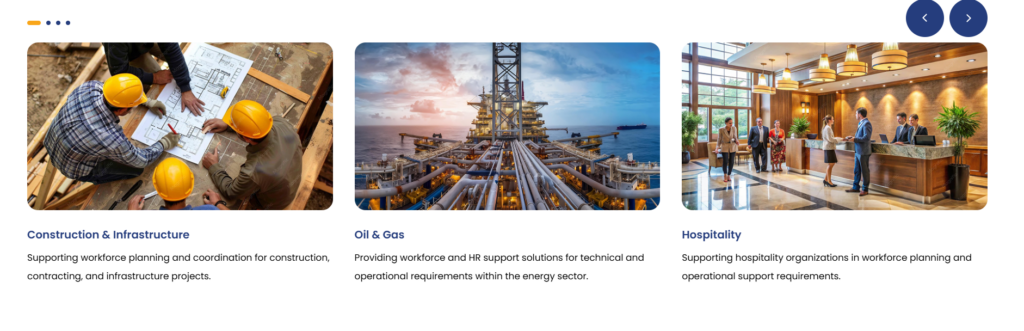
To Edit Bellow Section
Go To left Sidbar -> Services

Click “Edit” what need to edit/update contents/image

Change contents/image from the opened new window and Save
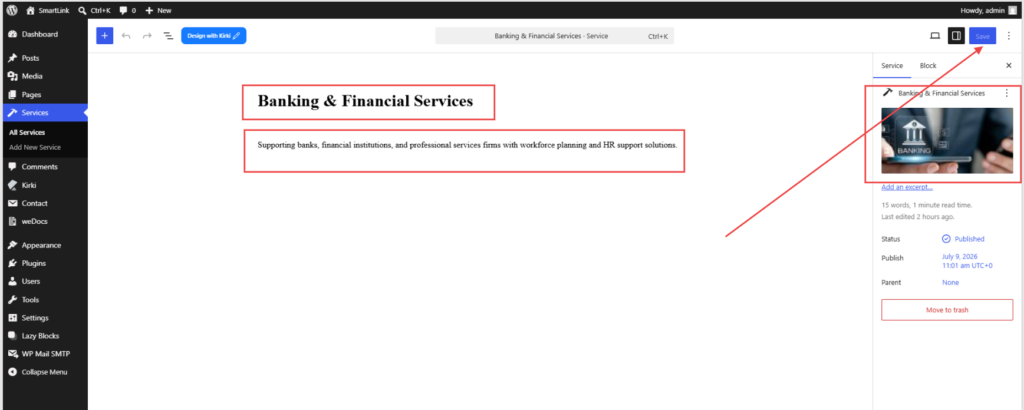
To add New Section
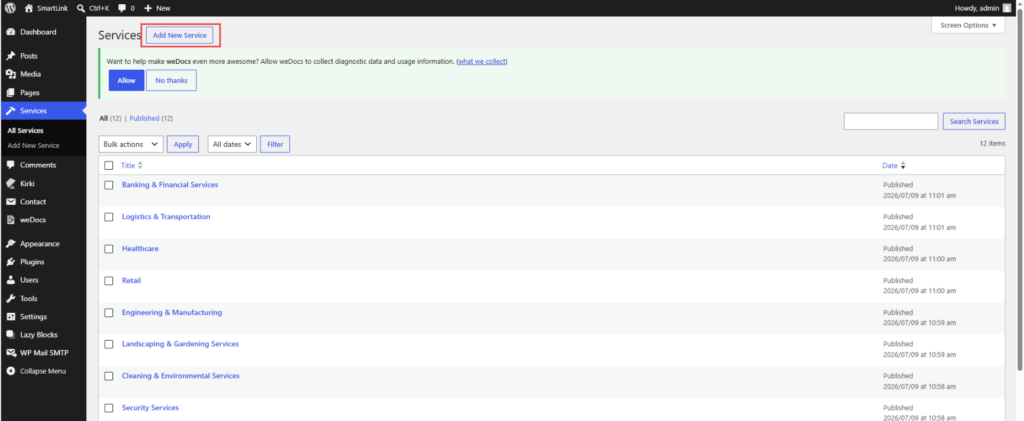
Go To left Sidbar -> Services
Click “Add New Service”
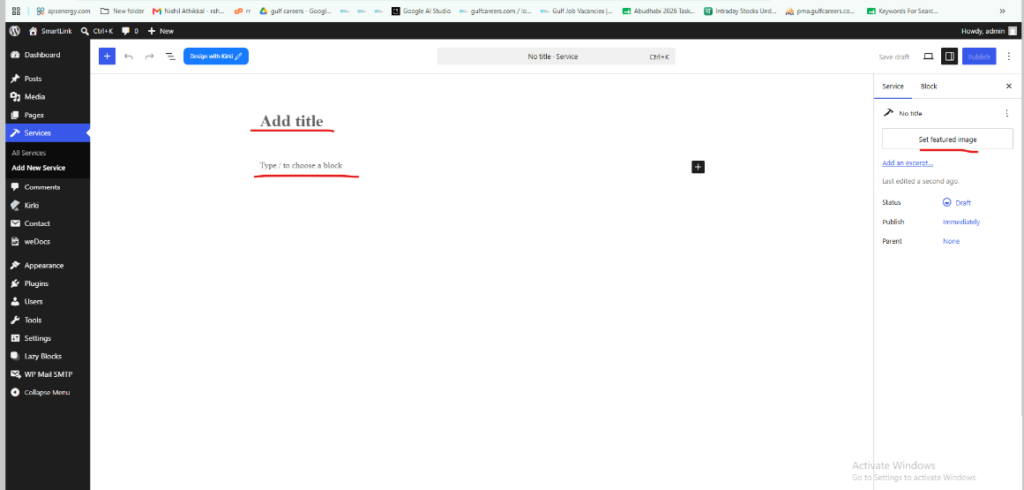
Then add the Title ,Description and Image
Output for this section
