
 info@smartlinkhrc.com
 +971 50 3163034
Manage All Contact us page section Contents from the admin panel
Login
https://smartlinkhrc.com/wp-admin

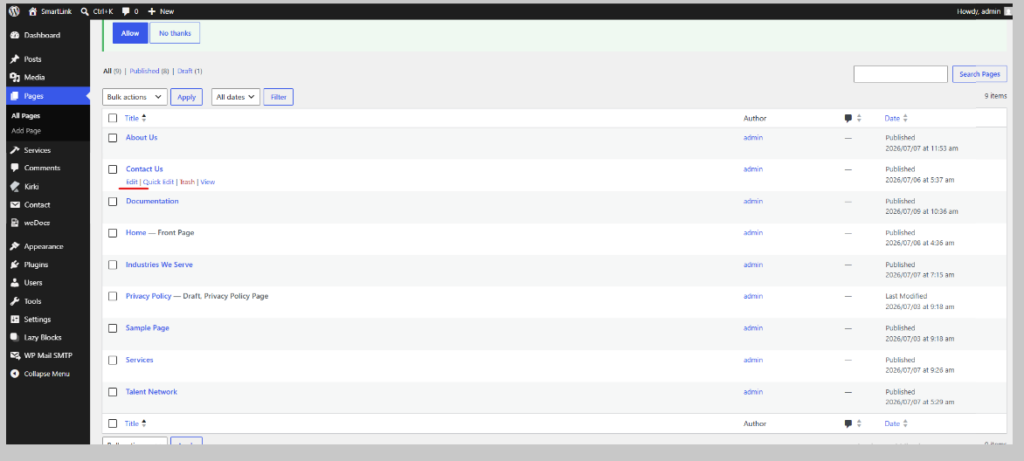
From Dashboard Click “Pages” From the left sidebar -> Click to edit
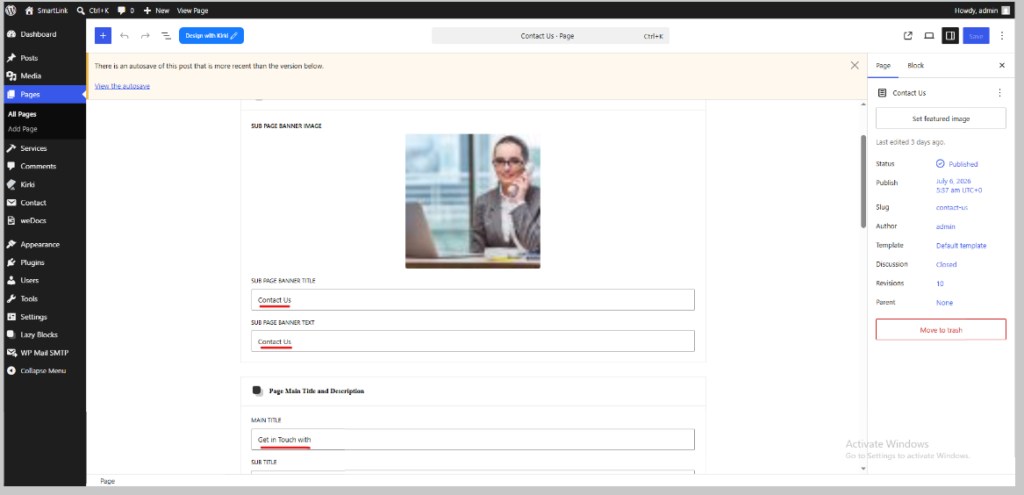
Edit/update Contents/images of Contact page from here and save
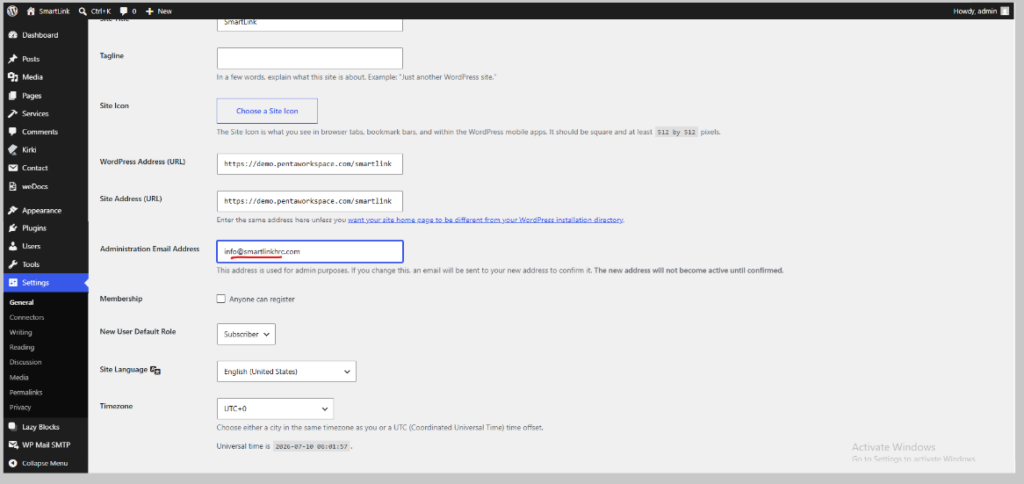
Contact Form Data will receive to “info@smartlinkhrc.com” it will edit from Dashboard left sidebar click Settings – > General
To View the Saved output Click the preview Icon
